


FOR BUILDERS & CONTRACTORS
STOP WAITING ON THE DRAWINGS.
Get in the model.
The best GCs, supers, and estimators don't wait for design to finish — they step into the process early, catch problems before they cost money, and produce better outcomes. Archicad and CB2.0 give you the tools to do that.
FROM THE FIELD
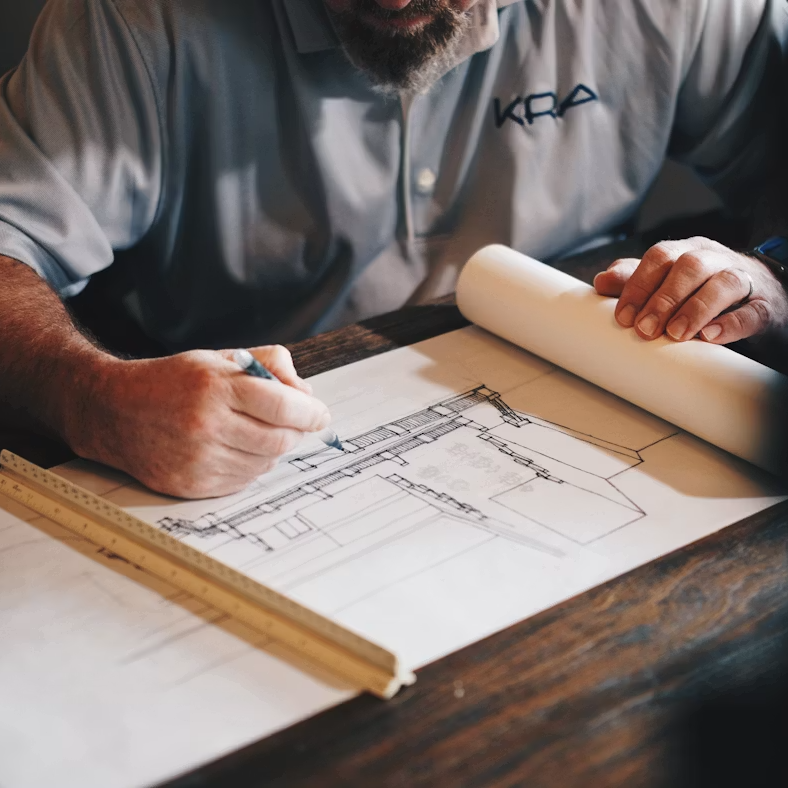
Built from real projects — not a tutorial.
John Hallgarth · Founder, CONTRABIM
Before CONTRABIM, I ran BIM for one of the largest GCs in the country.
Large commercial projects. Coordinating across architectural, structural, and MEP disciplines in a single Archicad model. Running logistics planning. Producing MEP composite drawings with subs. Extracting structural concrete formwork layout points directly from the model for field crews. Presenting live 3D walkthroughs to owners in real time.
Everything in CB2.0 — the layer structure, the XREF workflows, the quantity takeoff system, the documentation toolkits — was built from that experience. Not from a tutorial. From real projects, real field crews, and real owners who needed answers fast.
That's what makes CB2.0 different from every other Archicad template on the market. It was built by someone who's been on your side of the table.
THE PROBLEM
Most GCs are working with one hand tied behind their back.
Not because they don't know construction — because they don't have tools built for their side of the process.
"I'm waiting on the designer to update drawings before I can price anything. By the time they're ready, conditions have changed."
Late involvement = expensive surprises
"Our takeoffs are manual. We're counting things by hand that the model already knows."
Manual estimating, disconnected from design
"I can't review the design in context. I'm looking at flat drawings trying to imagine a 3D building."
No 3D review capability
"By the time we catch a coordination problem, it's already a field issue. RFIs are killing us."
Coordination happens too late
"Layout crews are working off paper plans. The model has the exact coordinates — we just can't get to them."
Model data doesn't reach the field
"I explain the same thing to the owner five different ways because they can't read drawings."
Owner communication is a time sink
WHAT CHANGES
Archicad and CB2.0, built for how
construction actually works.
Not a design tool repurposed for builders. A full BIM environment with
workflows built from real GC experience — preconstruction through field execution.

Preconstruction & Coordination
Step into the design model early. Run constructability reviews, identify clashes, and resolve coordination issues before they become field problems. MEP composites produced from the model.
From the field
MEP composites with subs on large commercial projects.
Model-Based Estimating
Quantities pulled directly from the model via interactive schedules — by trade, by assembly, by material. Connect to Excel for cost analysis. Stop counting by hand what the model already knows.
See section 05
Covered in depth — The BRIDGE.
Field Layout
Extract layout points directly from the model for Total Station use. Structural concrete formwork coordinates, anchor bolt grids, column centerlines — pulled from geometry, not scaled from paper.
From the field
Structural concrete formwork layout on commercial projects.
Mobile Field Reference
BIMx delivers the full 3D model on any mobile device — offline-capable. Foremen and field engineers navigate the model, check dimensions, and review assemblies on-site without a laptop.
Included
With every Archicad Studio subscription.
Shop Drawing Review
Review structural and MEP shop drawings against the design model in context — not as flat PDFs next to flat drawings. CB2.0's XREF coordination structure supports full discipline overlay.
From the field
Shop drawing coordination on large commercial projects.
Owner Communication
Live 3D walkthroughs directly from the production model. Show owners real-time progress, scope changes, and coordination issues in a format they can actually understand.
From the field
Live owner presentations on commercial projects.
THE BRIDGE · QTO & ESTIMATING
Your model already knows the quantities. The BRIDGE gets them into Excel.
Model-based quantity takeoff — organized by trade, connected to your cost workbooks. No manual counting. No disconnected spreadsheets. No waiting for the designer to export something.
Step 01
Model the building
Every element carries real attribute data — material, thickness, area, volume, count.
Step 02
Run interactive schedules
CB2.0 schedules extract quantities by trade and assembly — organized the way estimators think.
Step 03
Export to The BRIDGE
Copy/paste into The BRIDGE Excel workbooks. Pre-structured for trade-by-trade cost analysis.
Step 04
Analyze & price
Apply unit costs, review by trade, build your estimate. Update the model — quantities update too.
- Faster preconstruction — quantities available as soon as the model exists, not when drawings are finalized
- Live updates — change the model, run the schedule again. No re-counting, no reconciliation
- Trade-organized output — concrete, framing, sheathing, finishes — each trade gets its own scope breakdown
- Excel-native — no new software. The BRIDGE workbooks work in any Excel environment your estimators use
DEEP DIVE · ARCHICAD IN CONSTRUCTION
Want the full picture?
How one of the nation's largest GCs used Archicad for commercial coordination, structural layout, MEP composites, and live owner presentations — and what that means for how we built CB2.0.
Featured Article · Learn
Archicad in Construction: From Formwork Layout to Owner Presentations
Logistics planning, structural concrete layout, MEP composites, field coordination, and live owner walkthroughs — the full story of Archicad on large commercial GC projects.
Everything a builder needs to work inside the model.
- CB2.0 TemplateProduction-ready Archicad system with layer structure, XREF coordination, and discipline-specific setups pre-configured.
- The BRIDGE — QTO WorkflowModel-to-Excel quantity takeoff. Trade-organized schedules and cost-analysis workbooks. The estimator's workflow, connected to the model.
- Trade BIM PackagesPre-built design tools and schedules by trade — framing, cladding, concrete, and more. Growing library as packages release.
- TPL Accelerator TrainingOn-demand training to get up and running in CB2.0 fast — even if you're new to Archicad production workflows.
- Community + Live MeetupsArchitects, engineers, and builders on the same platform asking the same questions, working on real projects.
- BIMx — Field Model ViewerIncluded with Archicad Studio. Full 3D model on mobile, offline-capable. The field reference your crews can actually use.
Locked in at member rate
- CB2.0 template + ongoing updates
- The BRIDGE QTO workflow
- TPL Accelerator training
- Trade BIM package library
- Community + live meetups
READY WHEN YOU ARE
Ready to get in the model?
Three ways in — depending on where you are today.
USING ARCHICAD
Join CONTRABIM
Get the template, the takeoff workflow, and the field tools — $720 first year.
- CB2.0 + The BRIDGE
- Trade BIM packages
- Community + updates
NOT ON ARCHICAD
Start a free trial
Try the full Archicad environment for 30 days — no commitment.
- 30-day Archicad trial
- Getting-started guide
- 50% off year one of CB
WANT THE STORY FIRST
Read the deep dive
Archicad in construction — formwork layout to owner presentations.
- Real GC project workflows
- Field layout & coordination
- The case for CB2.0